Stats
Actions
Available In
Tags

Guides creation of autonomous subagents for Claude Code plugins, covering file structure, frontmatter fields, system prompts, and triggering conditions.


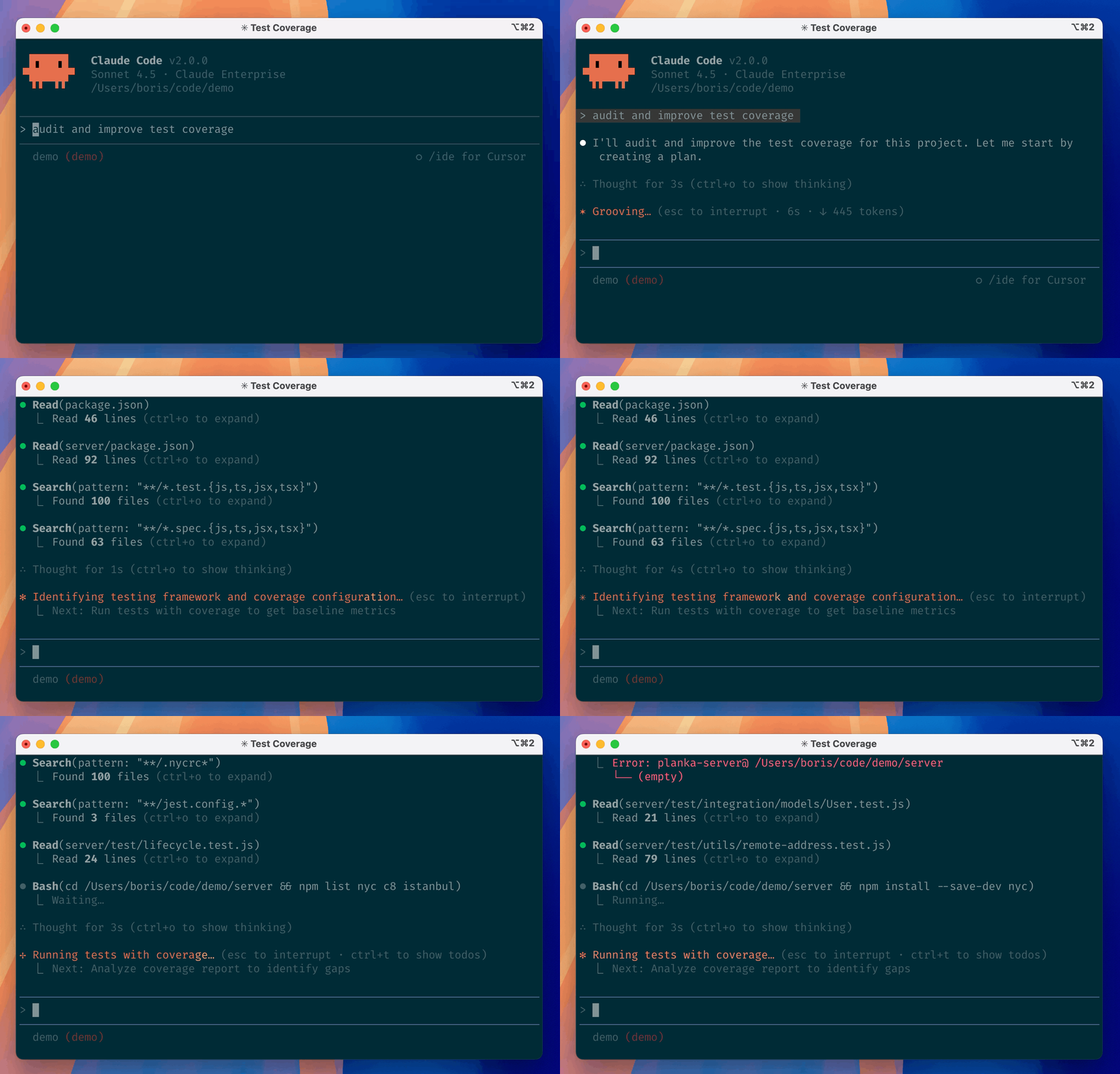
Claude Code is an agentic coding tool that lives in your terminal, understands your codebase, and helps you code faster by executing routine tasks, explaining complex code, and handling git workflows -- all through natural language commands. Use it in your terminal, IDE, or tag @claude on Github.
Learn more in the official documentation.
[!NOTE] Installation via npm is deprecated. Use one of the recommended methods below.
For more installation options, uninstall steps, and troubleshooting, see the setup documentation.
Install Claude Code:
MacOS/Linux (Recommended):
curl -fsSL https://claude.ai/install.sh | bash
Homebrew (MacOS/Linux):
brew install --cask claude-code
Windows (Recommended):
irm https://claude.ai/install.ps1 | iex
WinGet (Windows):
winget install Anthropic.ClaudeCode
NPM (Deprecated):
npm install -g @anthropic-ai/claude-code
Navigate to your project directory and run claude.
This repository includes several Claude Code plugins that extend functionality with custom commands and agents. See the plugins directory for detailed documentation on available plugins.
We welcome your feedback. Use the /bug command to report issues directly within Claude Code, or file a GitHub issue.
Join the Claude Developers Discord to connect with other developers using Claude Code. Get help, share feedback, and discuss your projects with the community.
When you use Claude Code, we collect feedback, which includes usage data (such as code acceptance or rejections), associated conversation data, and user feedback submitted via the /bug command.
See our data usage policies.
We have implemented several safeguards to protect your data, including limited retention periods for sensitive information, restricted access to user session data, and clear policies against using feedback for model training.
For full details, please review our Commercial Terms of Service and Privacy Policy.
Own this plugin?
Verify ownership to unlock analytics, metadata editing, and a verified badge. GitHub access is read-only (username + org membership).
Sign in to claimOwn this plugin?
Verify ownership to unlock analytics, metadata editing, and a verified badge. GitHub access is read-only (username + org membership).
Sign in to claimBased on adoption, maintenance, documentation, and repository signals. Not a security audit or endorsement.
npx claudepluginhub p/anthropics-agent-development-plugins-plugin-dev-skills-agent-developmentReliable automation, in-depth debugging, and performance analysis in Chrome using Chrome DevTools and Puppeteer
 ChromeDevTools
Harness-native ECC operator layer - 67 agents, 277 skills, 92 legacy command shims, reusable hooks, rules, selective install profiles, and production-ready workflows for Claude Code, Codex, OpenCode, Cursor, and related agent harnesses
 affaan-m
Plugin-safe Claude Code distribution of Agentic Awesome Skills with 1,894 supported skills.
 sickn33
Comprehensive skill pack with 66 specialized skills for full-stack developers: 12 language experts (Python, TypeScript, Go, Rust, C++, Swift, Kotlin, C#, PHP, Java, SQL, JavaScript), 10 backend frameworks, 6 frontend/mobile, plus infrastructure, DevOps, security, and testing. Features progressive disclosure architecture for 50% faster loading.
 Jeffallan
Access thousands of AI prompts and skills directly in your AI coding assistant. Search prompts, discover skills, save your own, and improve prompts with AI.
 f
fPlugin-safe Claude Code distribution of Antigravity Awesome Skills with 1,884 supported skills.
 sickn33
Knowledge and utilities for creating animated GIFs optimized for Slack. Provides constraints, validation tools, and animation concepts. Use when users request animated GIFs for Slack like "make me a GIF of X doing Y for Slack."
 anthropics
Replace with description of the skill and when Claude should use it.
anthropicsSuite of tools for creating elaborate, multi-component claude.ai HTML artifacts using modern frontend web technologies (React, Tailwind CSS, shadcn/ui). Use for complex artifacts requiring state management, routing, or shadcn/ui components - not for simple single-file HTML/JSX artifacts.
anthropicsToolkit for styling artifacts with a theme. These artifacts can be slides, docs, reportings, HTML landing pages, etc. There are 10 pre-set themes with colors/fonts that you can apply to any artifact that has been creating, or can generate a new theme on-the-fly.
anthropicsGuide users through a structured workflow for co-authoring documentation. Use when user wants to write documentation, proposals, technical specs, decision docs, or similar structured content. This workflow helps users efficiently transfer context, refine content through iteration, and verify the doc works for readers. Trigger when user mentions writing docs, creating proposals, drafting specs, or similar documentation tasks.
anthropics'%20stop-opacity%3D'0.16'%2F%3E%3Cstop%20offset%3D'1'%20stop-color%3D'rgb(200%2C90%2C60)'%20stop-opacity%3D'0.03'%2F%3E%3C%2FlinearGradient%3E%3C%2Fdefs%3E%3Crect%20width%3D'320'%20height%3D'200'%20fill%3D'url(%23g)'%2F%3E%3Ccircle%20cx%3D'250'%20cy%3D'56'%20r%3D'92'%20fill%3D'rgb(200%2C90%2C60)'%20fill-opacity%3D'0.06'%2F%3E%3Ccircle%20cx%3D'64'%20cy%3D'172'%20r%3D'58'%20fill%3D'rgb(200%2C90%2C60)'%20fill-opacity%3D'0.05'%2F%3E%3C%2Fsvg%3E)