Stats
Actions
Available In
Tags

Generate distinctive, production-grade frontend UIs with bold aesthetics, unique typography, motion, and layouts, while receiving guidance on intentional visual design to avoid generic styles.


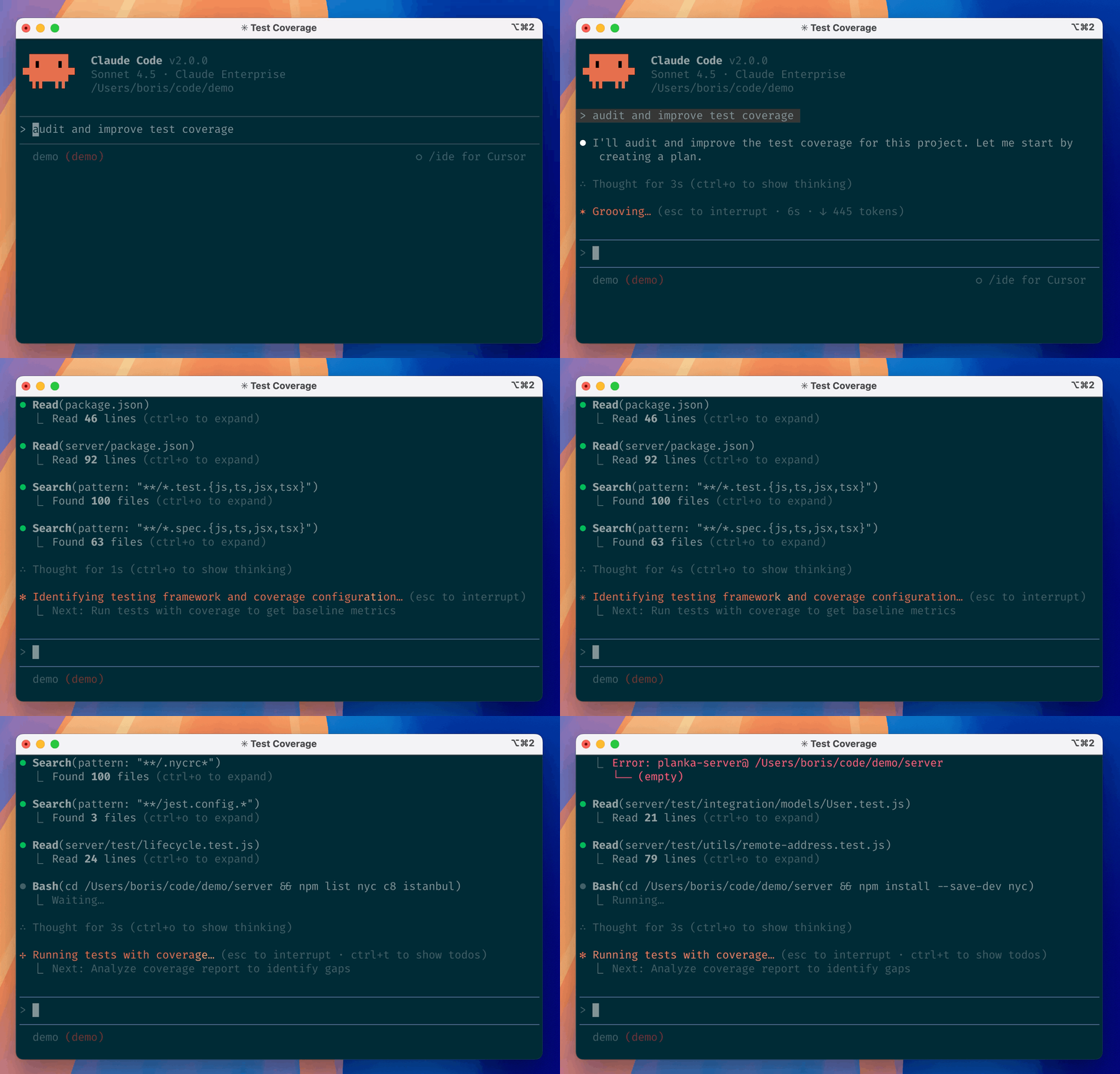
Claude Code is an agentic coding tool that lives in your terminal, understands your codebase, and helps you code faster by executing routine tasks, explaining complex code, and handling git workflows -- all through natural language commands. Use it in your terminal, IDE, or tag @claude on Github.
Learn more in the official documentation.
[!NOTE] Installation via npm is deprecated. Use one of the recommended methods below.
For more installation options, uninstall steps, and troubleshooting, see the setup documentation.
Install Claude Code:
MacOS/Linux (Recommended):
curl -fsSL https://claude.ai/install.sh | bash
Homebrew (MacOS/Linux):
brew install --cask claude-code
Windows (Recommended):
irm https://claude.ai/install.ps1 | iex
WinGet (Windows):
winget install Anthropic.ClaudeCode
NPM (Deprecated):
npm install -g @anthropic-ai/claude-code
Navigate to your project directory and run claude.
This repository includes several Claude Code plugins that extend functionality with custom commands and agents. See the plugins directory for detailed documentation on available plugins.
We welcome your feedback. Use the /bug command to report issues directly within Claude Code, or file a GitHub issue.
Join the Claude Developers Discord to connect with other developers using Claude Code. Get help, share feedback, and discuss your projects with the community.
When you use Claude Code, we collect feedback, which includes usage data (such as code acceptance or rejections), associated conversation data, and user feedback submitted via the /bug command.
See our data usage policies.
We have implemented several safeguards to protect your data, including limited retention periods for sensitive information, restricted access to user session data, and clear policies against using feedback for model training.
For full details, please review our Commercial Terms of Service and Privacy Policy.
Own this plugin?
Verify ownership to unlock analytics, metadata editing, and a verified badge. GitHub access is read-only (username + org membership).
Sign in to claimOwn this plugin?
Verify ownership to unlock analytics, metadata editing, and a verified badge. GitHub access is read-only (username + org membership).
Sign in to claimBased on adoption, maintenance, documentation, and repository signals. Not a security audit or endorsement.
npx claudepluginhub aiskillstore/marketplace --plugin frontend-designDocument processing suite — Excel (xlsx), Word (docx), PowerPoint (pptx), and PDF generation and manipulation.
 anthropics
Anthropic's production Word skill — create and edit .docx with tracked changes. For memos, technical accounting papers and reports.
anthropicsAnthropic's open-source skill for authoring new Agent Skills. For finance devs and power users building their own skills.
anthropicsAnthropic's production Excel skill - read, analyze, create and edit .xlsx workbooks with formulas, formatting and charts. The most finance-relevant skill there.
anthropicsAnthropic's production PDF skill — extract text and tables, fill forms and generate PDFs. Essential for financial statements, contracts and scanned invoices.
anthropicsCreate distinctive, production-grade frontend interfaces with high design quality. Generates creative, polished code that avoids generic AI aesthetics.
 ComposioHQ
Advanced frontend design plugin with interactive wizard, trend research, moodboard creation, color/typography selection, and browser-based inspiration analysis
 davepoon
Builds production-grade UI. Tokens-first, anti-AI-slop aesthetics, design tokens enforced.
 poshan0126
Frontend development skill with design and implementation checklists
 JNLei
JNLeiUse this agent when building user interfaces, implementing React/Vue/Angular components, handling state management, or optimizing frontend performance. This agent excels at creating responsive, accessible, and performant web applications. Examples:\n\n<example>\nContext: Building a new user interface\nuser: "Create a dashboard for displaying user analytics"\nassistant: "I'll build an analytics dashboard with interactive charts. Let me use the frontend-developer agent to create a responsive, data-rich interface."\n<commentary>\nComplex UI components require frontend expertise for proper implementation and performance.\n</commentary>\n</example>\n\n<example>\nContext: Fixing UI/UX issues\nuser: "The mobile navigation is broken on small screens"\nassistant: "I'll fix the responsive navigation issues. Let me use the frontend-developer agent to ensure it works perfectly across all device sizes."\n<commentary>\nResponsive design issues require deep understanding of CSS and mobile-first development.\n</commentary>\n</example>\n\n<example>\nContext: Optimizing frontend performance\nuser: "Our app feels sluggish when loading large datasets"\nassistant: "Performance optimization is crucial for user experience. I'll use the frontend-developer agent to implement virtualization and optimize rendering."\n<commentary>\nFrontend performance requires expertise in React rendering, memoization, and data handling.\n</commentary>\n</example>
Ultra-compressed communication mode. Cuts 65% of output tokens (measured) while keeping full technical accuracy by speaking like a caveman.
 JuliusBrussee
'%20stop-opacity%3D'0.16'%2F%3E%3Cstop%20offset%3D'1'%20stop-color%3D'rgb(200%2C90%2C60)'%20stop-opacity%3D'0.03'%2F%3E%3C%2FlinearGradient%3E%3C%2Fdefs%3E%3Crect%20width%3D'320'%20height%3D'200'%20fill%3D'url(%23g)'%2F%3E%3Ccircle%20cx%3D'250'%20cy%3D'56'%20r%3D'92'%20fill%3D'rgb(200%2C90%2C60)'%20fill-opacity%3D'0.06'%2F%3E%3Ccircle%20cx%3D'64'%20cy%3D'172'%20r%3D'58'%20fill%3D'rgb(200%2C90%2C60)'%20fill-opacity%3D'0.05'%2F%3E%3C%2Fsvg%3E)