Stats
Actions
Available In
Tags


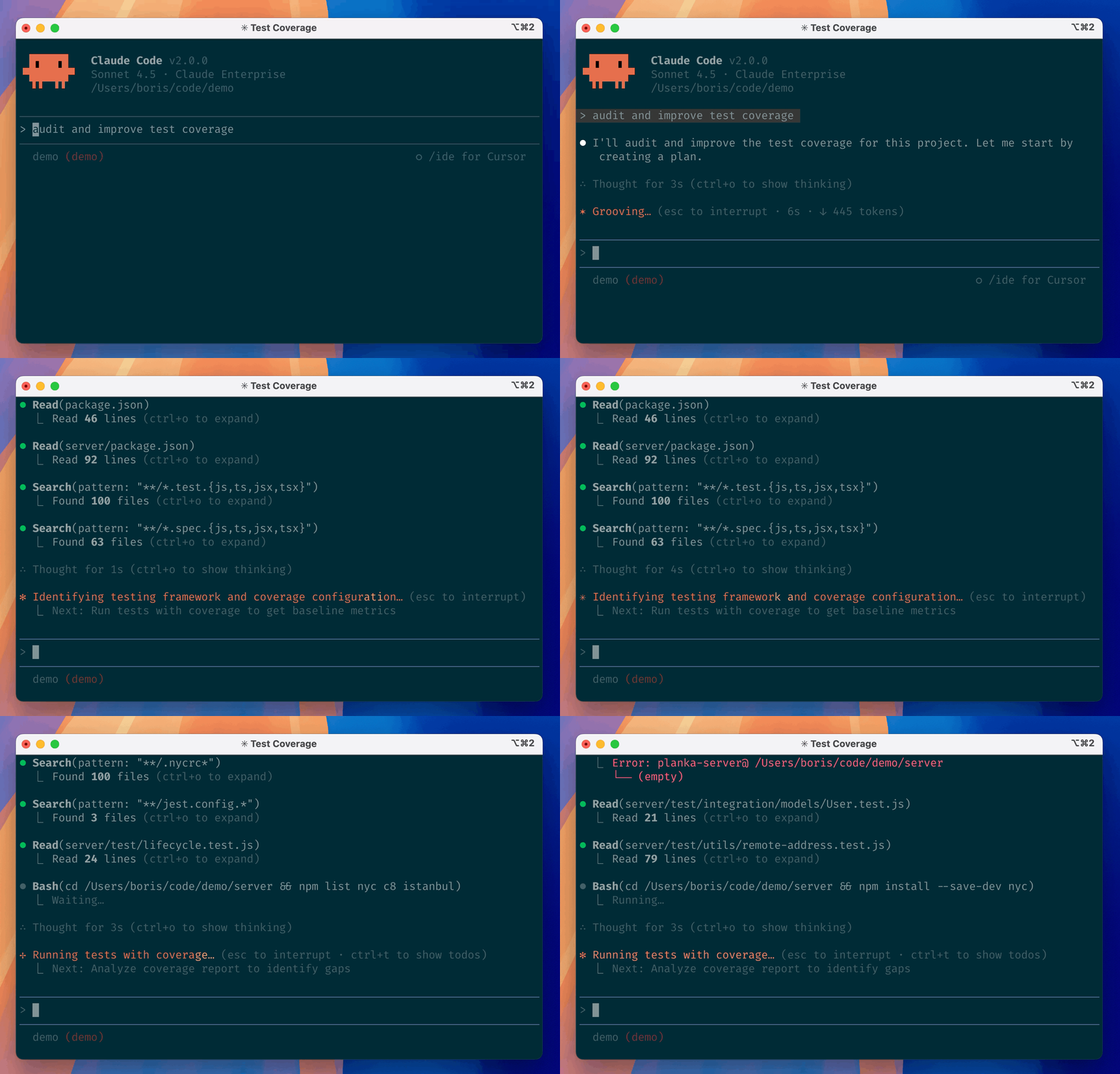
Claude Code is an agentic coding tool that lives in your terminal, understands your codebase, and helps you code faster by executing routine tasks, explaining complex code, and handling git workflows -- all through natural language commands. Use it in your terminal, IDE, or tag @claude on Github.
Learn more in the official documentation.
[!NOTE] Installation via npm is deprecated. Use one of the recommended methods below.
For more installation options, uninstall steps, and troubleshooting, see the setup documentation.
Install Claude Code:
MacOS/Linux (Recommended):
curl -fsSL https://claude.ai/install.sh | bash
Homebrew (MacOS/Linux):
brew install --cask claude-code
Windows (Recommended):
irm https://claude.ai/install.ps1 | iex
WinGet (Windows):
winget install Anthropic.ClaudeCode
NPM (Deprecated):
npm install -g @anthropic-ai/claude-code
Navigate to your project directory and run claude.
This repository includes several Claude Code plugins that extend functionality with custom commands and agents. See the plugins directory for detailed documentation on available plugins.
We welcome your feedback. Use the /bug command to report issues directly within Claude Code, or file a GitHub issue.
Join the Claude Developers Discord to connect with other developers using Claude Code. Get help, share feedback, and discuss your projects with the community.
When you use Claude Code, we collect feedback, which includes usage data (such as code acceptance or rejections), associated conversation data, and user feedback submitted via the /bug command.
See our data usage policies.
We have implemented several safeguards to protect your data, including limited retention periods for sensitive information, restricted access to user session data, and clear policies against using feedback for model training.
For full details, please review our Commercial Terms of Service and Privacy Policy.
Own this plugin?
Verify ownership to unlock analytics, metadata editing, and a verified badge. GitHub access is read-only (username + org membership).
Sign in to claimOwn this plugin?
Verify ownership to unlock analytics, metadata editing, and a verified badge. GitHub access is read-only (username + org membership).
Sign in to claimBased on adoption, maintenance, documentation, and repository signals. Not a security audit or endorsement.
npx claudepluginhub p/ilindsley-frontend-design-plugins-frontend-designComprehensive feature development workflow with specialized agents for codebase exploration, architecture design, and quality review
 ILindsley
Implementation of the Ralph Wiggum technique - continuous self-referential AI loops for interactive iterative development. Run Claude in a while-true loop with the same prompt until task completion.
ILindsleyComprehensive toolkit for developing Claude Code plugins. Includes 7 expert skills covering hooks, MCP integration, commands, agents, and best practices. AI-assisted plugin creation and validation.
ILindsleyAdds educational insights about implementation choices and codebase patterns (mimics the deprecated Explanatory output style)
ILindsleySecurity review for Claude-generated code. Pattern-based warnings on edits, LLM-powered diff review on Stop, and an agentic commit reviewer that catches injection, XSS, SSRF, hardcoded secrets, and 25+ other vulnerability classes.
ILindsleyUltra-compressed communication mode. Cuts 65% of output tokens (measured) while keeping full technical accuracy by speaking like a caveman.
 JuliusBrussee
Frontend design skill for UI/UX implementation
 anthropics
Memory compression system for Claude Code - persist context across sessions
 thedotmack
Marketing skills for AI agents — conversion optimization, copywriting, SEO, paid ads, ad creative, and growth
 coreyhaines31
Comprehensive UI/UX design plugin for mobile (iOS, Android, React Native) and web applications with design systems, accessibility, and modern patterns
 wshobson
Standalone image generation plugin using Nano Banana MCP server. Generates and edits images, icons, diagrams, patterns, and visual assets via Gemini image models. No Gemini CLI dependency required.
 Lucklyric
'%20stop-opacity%3D'0.16'%2F%3E%3Cstop%20offset%3D'1'%20stop-color%3D'rgb(200%2C90%2C60)'%20stop-opacity%3D'0.03'%2F%3E%3C%2FlinearGradient%3E%3C%2Fdefs%3E%3Crect%20width%3D'320'%20height%3D'200'%20fill%3D'url(%23g)'%2F%3E%3Ccircle%20cx%3D'250'%20cy%3D'56'%20r%3D'92'%20fill%3D'rgb(200%2C90%2C60)'%20fill-opacity%3D'0.06'%2F%3E%3Ccircle%20cx%3D'64'%20cy%3D'172'%20r%3D'58'%20fill%3D'rgb(200%2C90%2C60)'%20fill-opacity%3D'0.05'%2F%3E%3C%2Fsvg%3E)